Visualize and sort for an optimized workflow
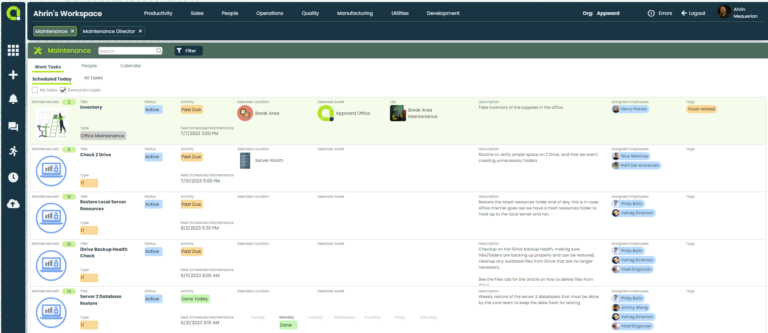
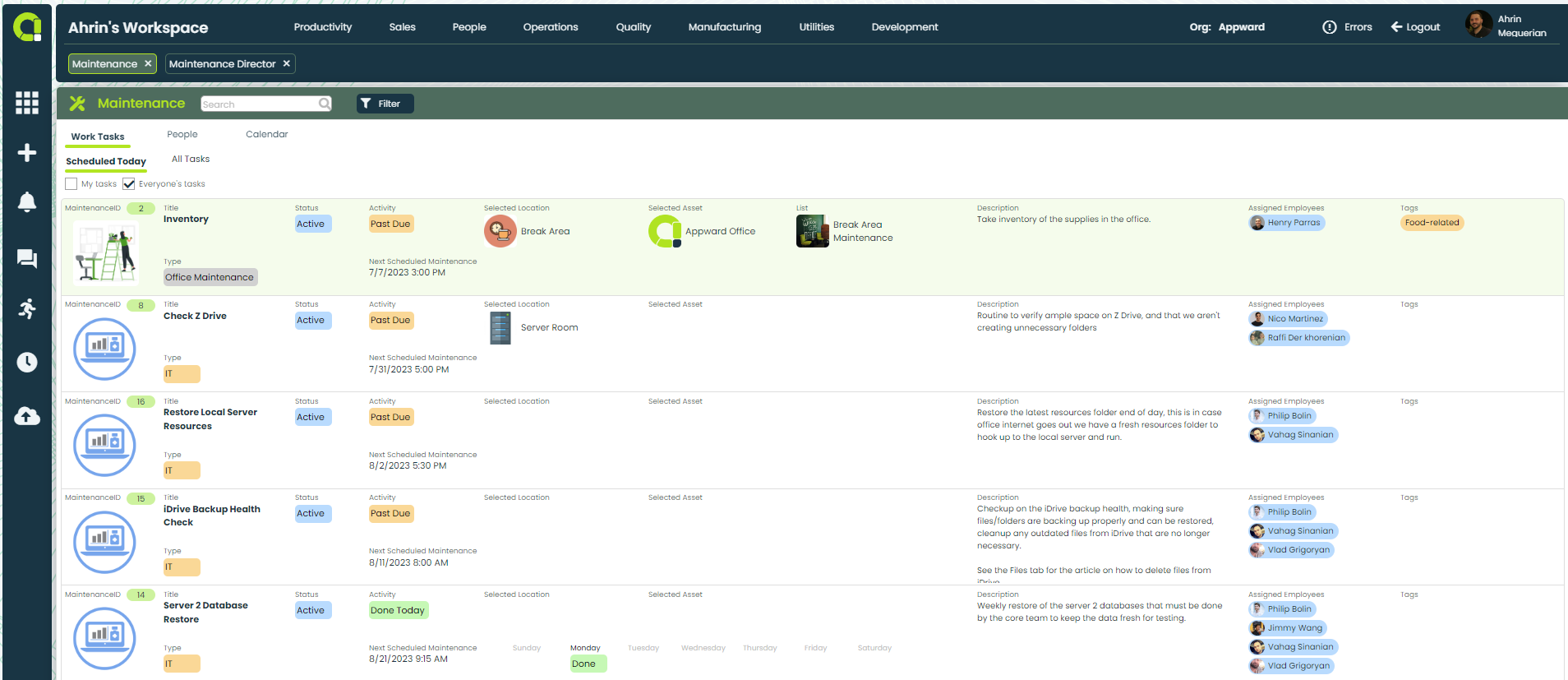
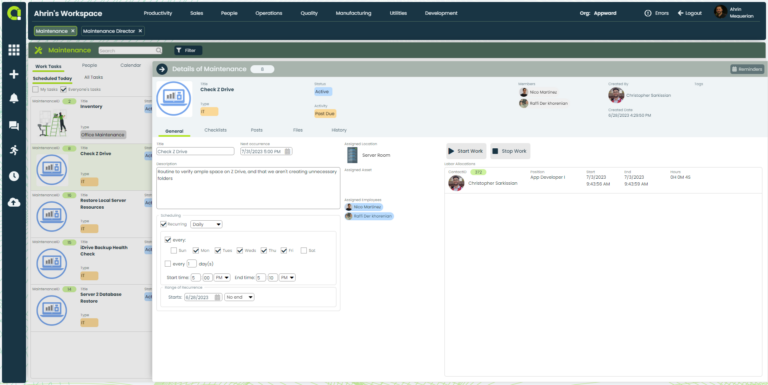
- View work tasks set up for one-time completion or recurring cycles
- Sort tasks by individual employee or by entire organization
- Consolidate task information all in one place for easy access
- Utilize integrated checklists from the Checklist Creator app to ensure tasks are completed thoroughly
Maintain your course
- Track progress of each maintenance task from start to finish
- Precisely time tasks using the integrated time log for optimal allocation of labor resources
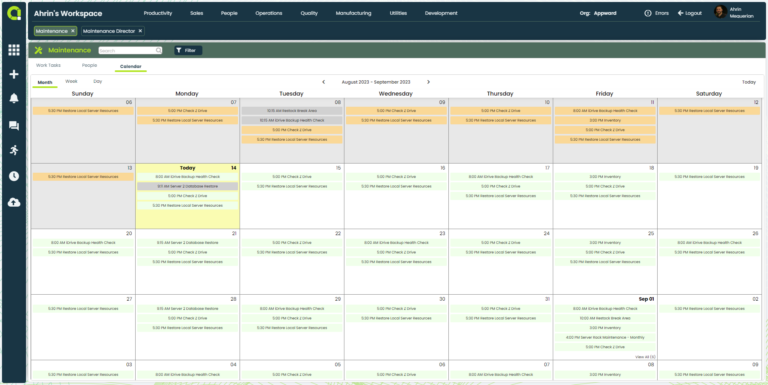
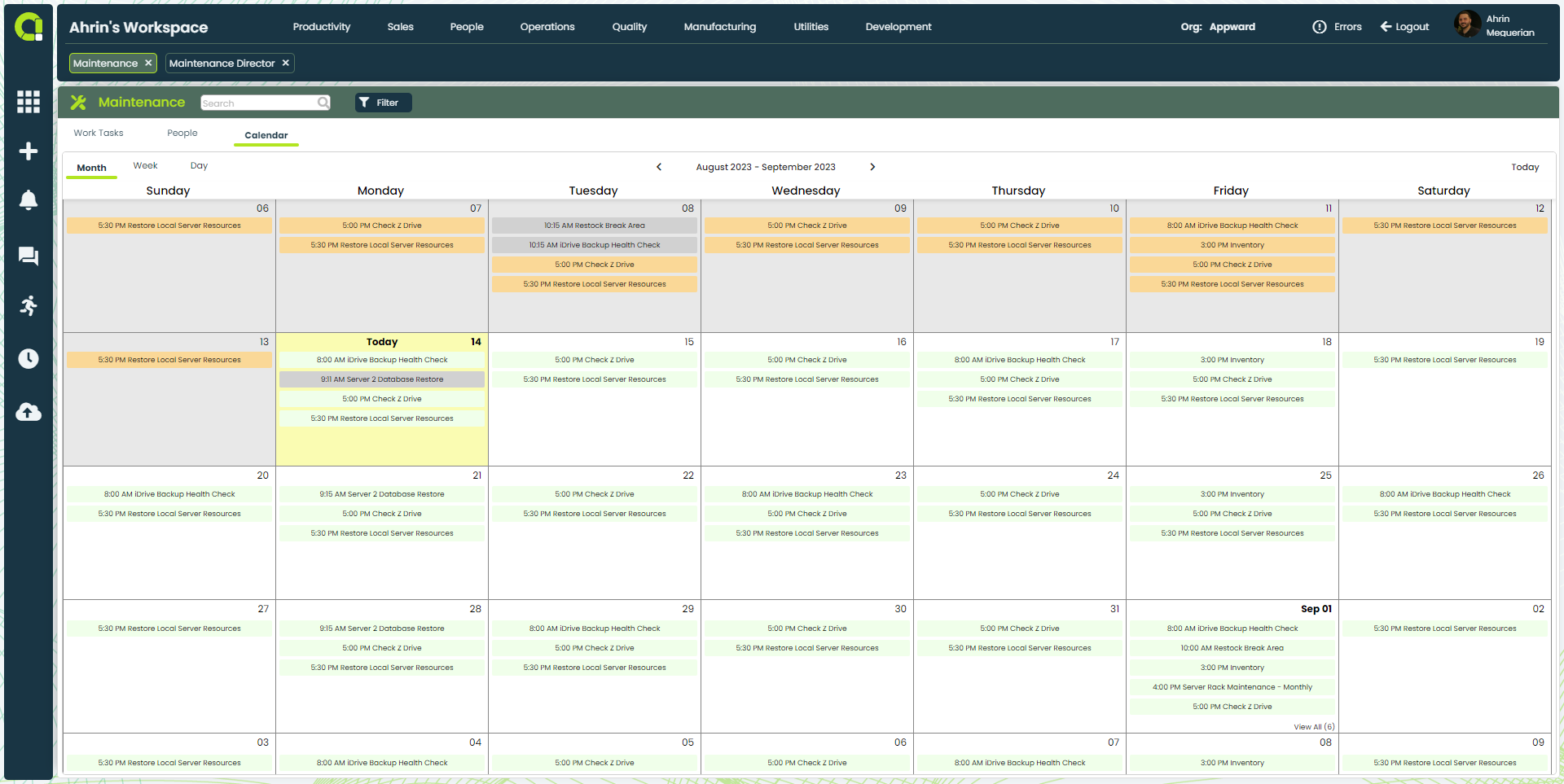
- In Calendar view, clearly see whether a task is active, past due, or complete
- Receive notifications when the status of a task has been updated
- Use posts to communicate with team members about the task at hand
- View all of the necessary files associated with the assigned task under the Files tab
Maintenance App Features
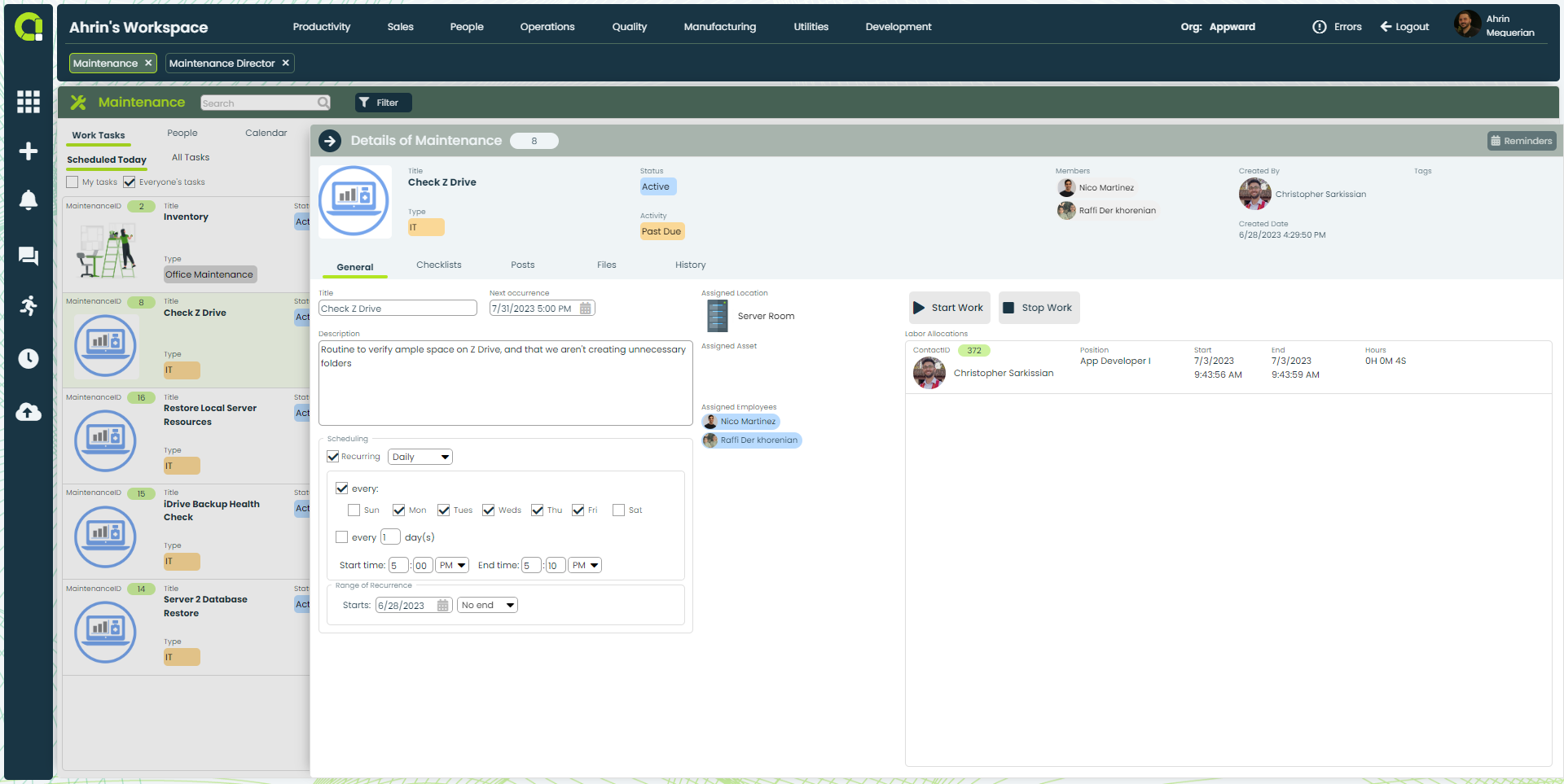
- View the asset, assigned employee, and the location of each task
- Monitor created tasks to ensure they are completed efficiently, on time, and according to established standards
- Track start and end dates for each task
- Use integrated timer to accurately log time allocated to the task by each employee
- Access a list of people from your organization who have been assigned maintenance tasks
- Display employee names, positions, departments, and their respective assigned tasks
- Track tasks sorted by employee names for easier management and monitoring
- View labor allocation for each task
- Track information such as assigned employee name, position, and completion time
- Record how long each action or task takes to complete with time logging
- Add a relevant checklist to each maintenance task using Checklist Creator
- Visually monitor the progress of each associated checklist
- Add @-mentions to send Notifications to individuals or groups right in the Appward sidebar.
- Liking messages in Posts with a single click of the thumbs-up icon and it will automatically trigger a Notification to the person who authored the post, letting them know you saw their note.
- Attach documents, images, media and AppShare direct deep links to any record to and from any Appward app.
- Enlarge any attached document, image or media by double-clicking the file.
- Edit your message by clicking on the pencil icon if you need to modify or update your note.
- Authors of each message posted can delete their own comments.
- Take and log notes directly in a task to keep information in context
- Organize notes within folders for quick navigation
- Use HTML editor to format notes and highlight key information accordingly
- Create notes with the drawing tool for quick visual concept of ideas
- Deleted notes are auto-stored in a Deleted Items folder for retrieval if needed
- Manage all files associated with each maintenance task without having to look through various locations to gather necessary information
- Store documents, images or other media-rich files that are affiliated with a ticket
- Select and upload files directly from your computer and store them within the Maintenance Director app record file
- Access the Appward cloud file explorer and select files from organizational, personal and public folders
- Link files from Appward’s Document system via Documents
- Edit and change files after uploading
- Download files directly to your computer
- Popout file into its own window to view it at scale
- Collect data metrics to identify patterns, recurring issues, or bottlenecks in ticket solutions
- Analyze the gathered data to proactively address challenges, streamline processes, and promote continuous improvement
- View insights derived from data to understand the time it takes to resolve a ticket
- Collect insights on time spent and progress made on tickets to improve efficiency
Related apps
Maintenance works seamlessly with Appward apps and services so you can do much more.